
The college recruiting process hasn’t changed in 30 years—and it shows. Traditional prospect sheets, outdated updates, unverifiable stats, and missing photos or video leave gaps that cost athletes real opportunities. Coaches shouldn’t have to rely on incomplete information or manually enter data. It’s time for a faster, more accurate, all-in-one solution.
The Problem
The solution
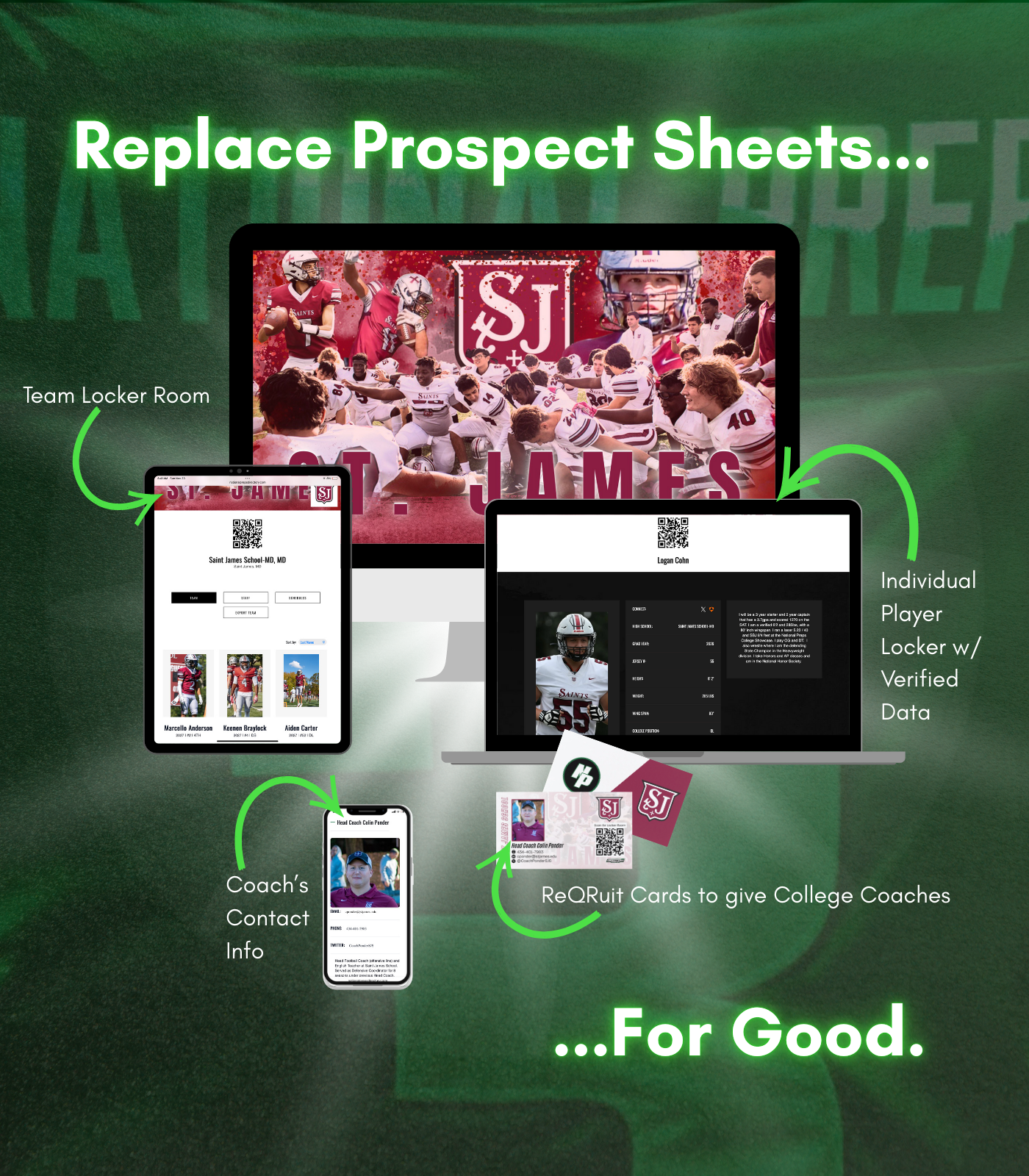
The solution is a software platform built by coaches, for coaches. It automates the grunt work so you can focus on what matters—coaching and helping your players get recruited. The system gives coaches valuable time back and empowers athletes to take ownership by building their own personalized “Player Locker” website.
software by coaches, for coaches
-

No more prospect sheets
This platform is designed to eliminate prospect sheets once and for all. No more spreadsheets with information updated only once or twice a year. Each player receives their own “player locker” website, allowing them to take ownership by keeping all their details current. They can also upload pictures and videos to provide colleges with verified data and effectively showcase their talent.
-
"LIVE" Evals in one click
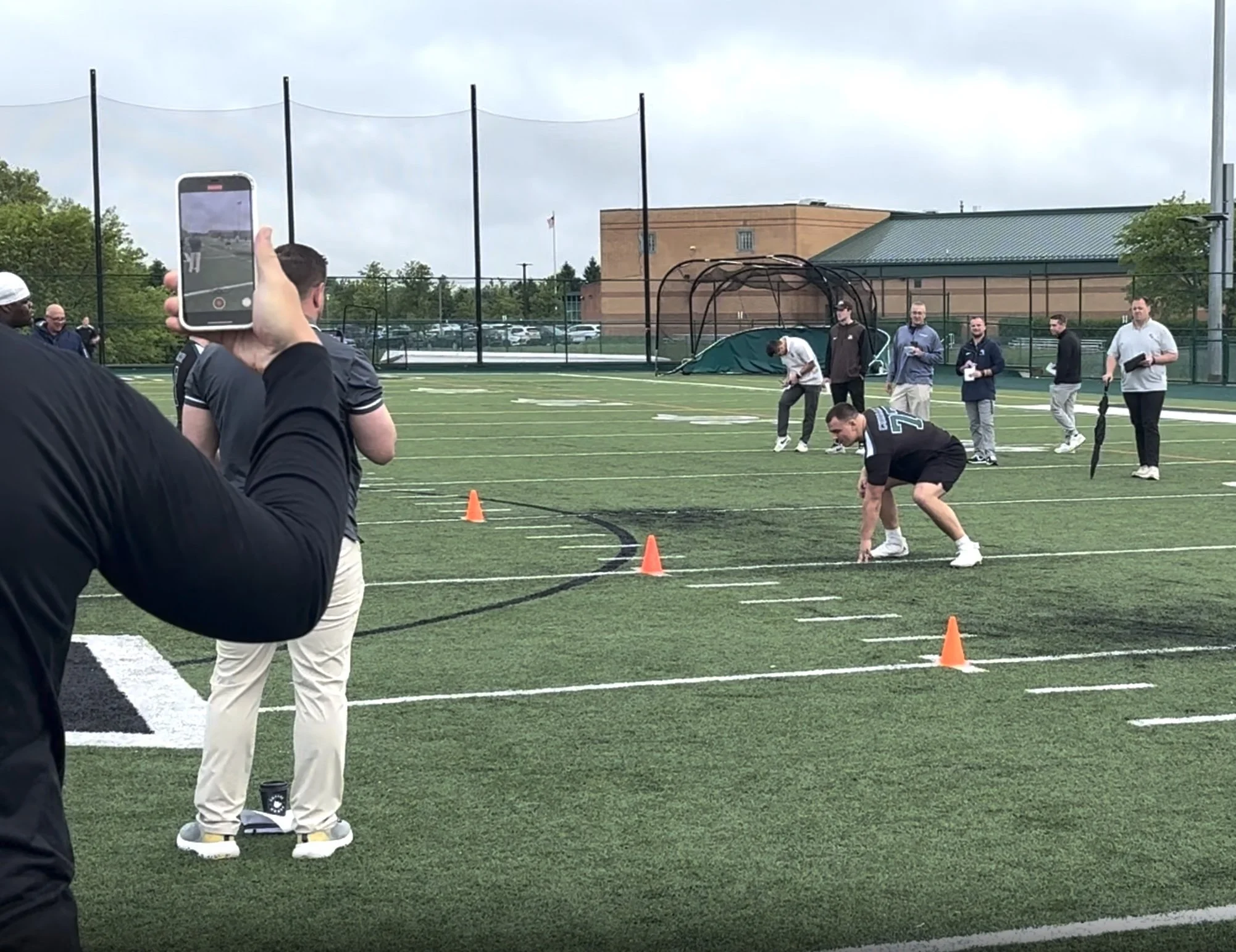
What if your players could provide every college with a live evaluation—simply by sending a link?
The Directory offers each player a personalized website featuring an Image and Video Library to showcase:
• Verified measurements and times
• Weight room performance
• Athleticism and skill drills
• Academic scoresColleges can assess your players as if they were attending a one-day camp—all with just one click.
-
QR code for immediate access
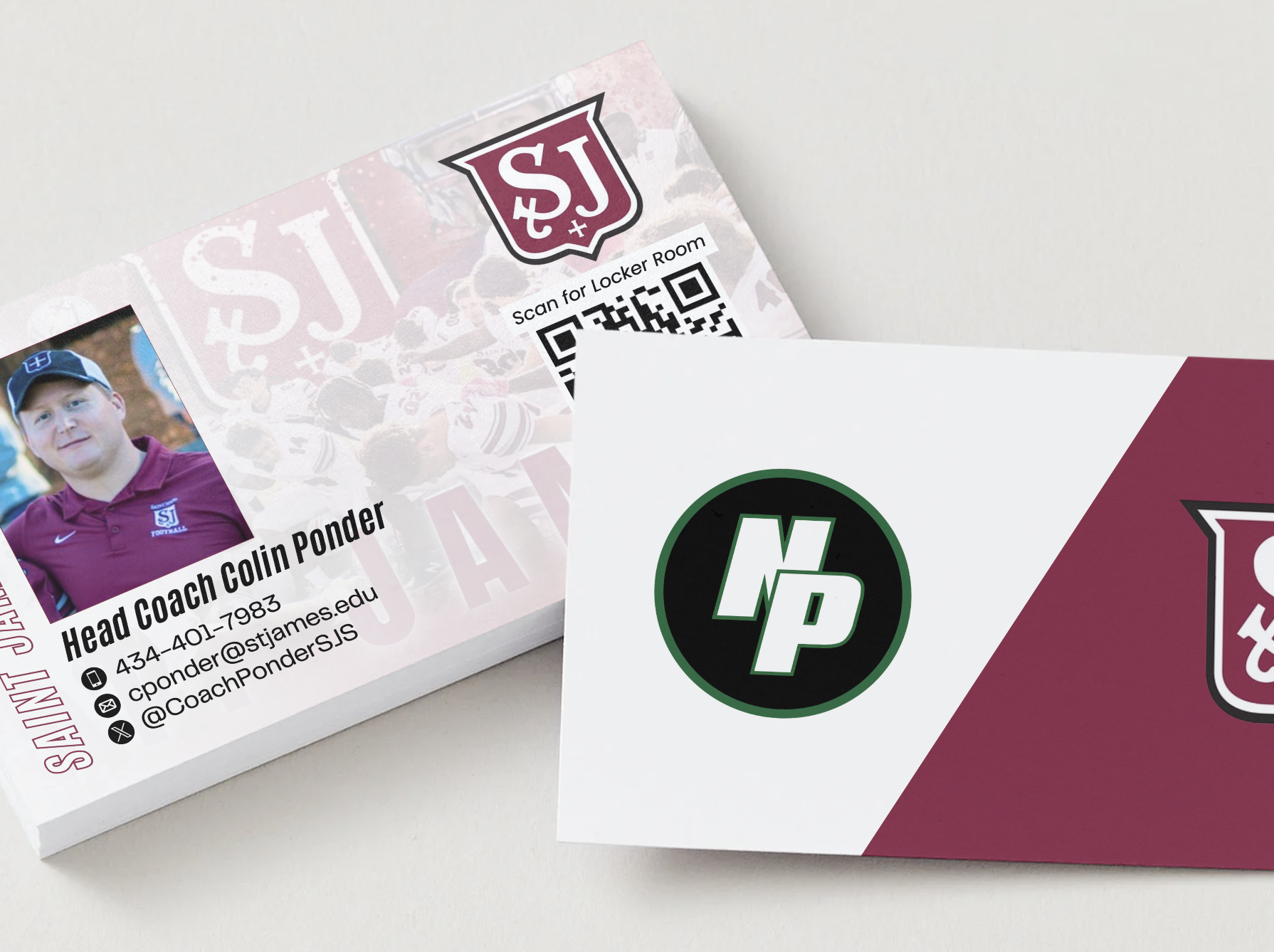
Your team is equipped with a QR code that sends every college coach directly to your Team Locker Room, where they can view, evaluate players, and export your entire team with one click. Have this QR code printed on our ReQRuit Cards to distribute to college coaches.
Additionally, each player has their own unique QR code linking to their personal “Player Locker” website.
Click the link below.
Resources
-
If you have trouble accessing the site on school wifi, it’s likely being blocked by the school’s firewall. Download this PDF and send to your IT department—they’ll use it to whitelist our site. If they need anything else, they can contact our Client Success Coach, Erin, directly. [email protected]
-
Download the player checklist and send to them to print out when they are populating their player locker website.

















We will reach out to you…
Fill out this form and we will reach out to schedule a demo or answer any questions.